Vizipas

Access control for communities and offices

Every entrance, at your fingertips.

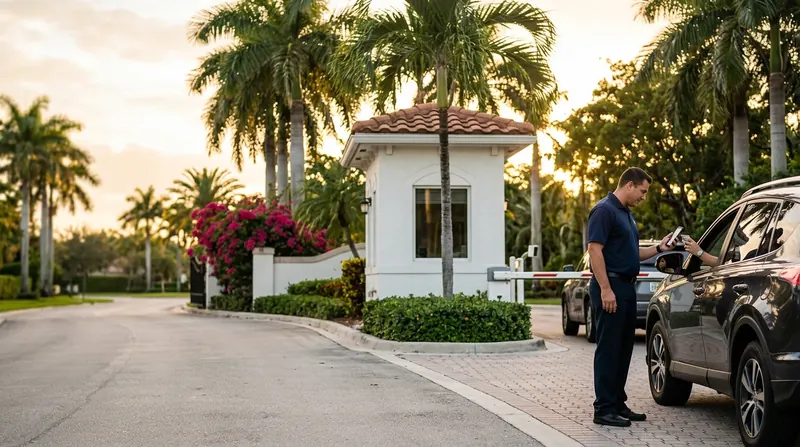
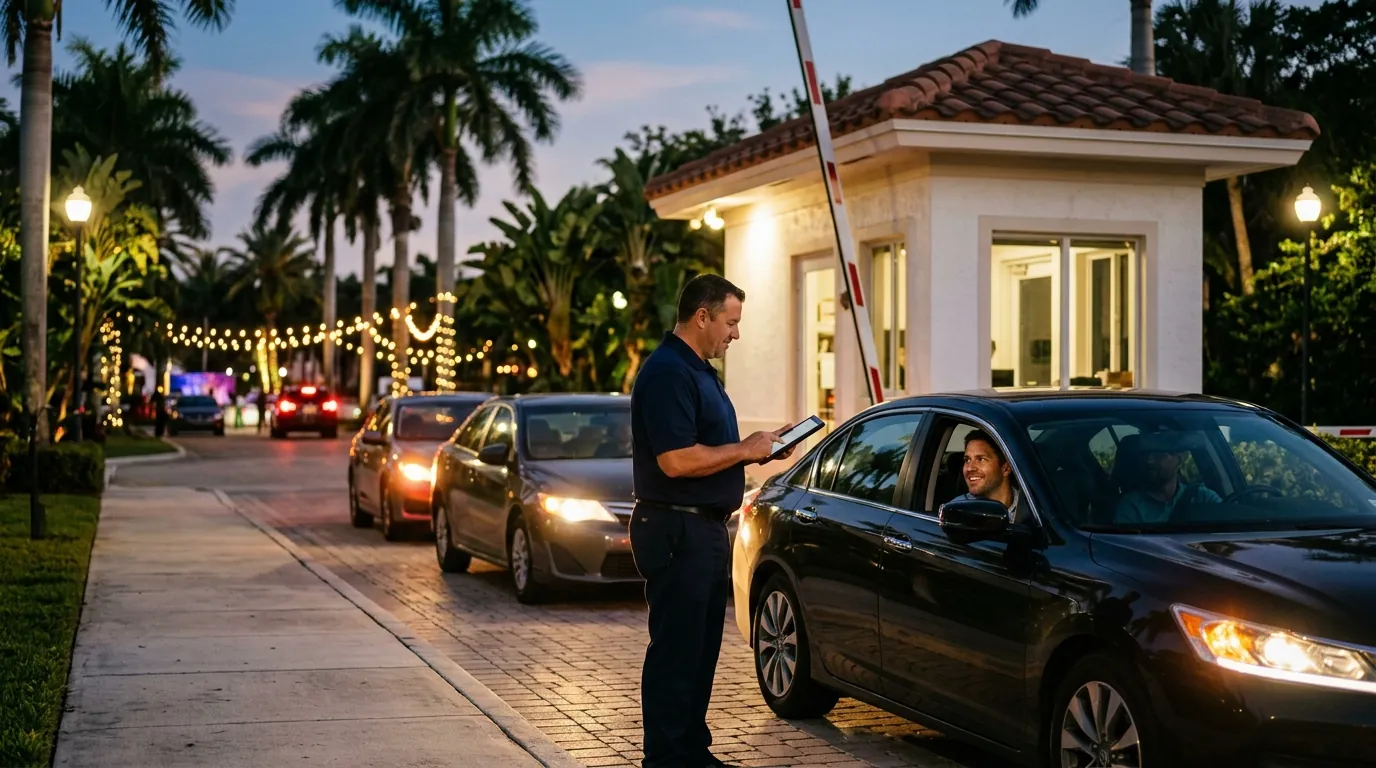
Visitor passes by WhatsApp, a one-scan check at the gate or the front desk, and a record of every entry. No app to install, no new hardware.

What do you manage?

Free for 30 days · No card needed · English, Español, Français

Products by category

Set up for your kind of property

Residential

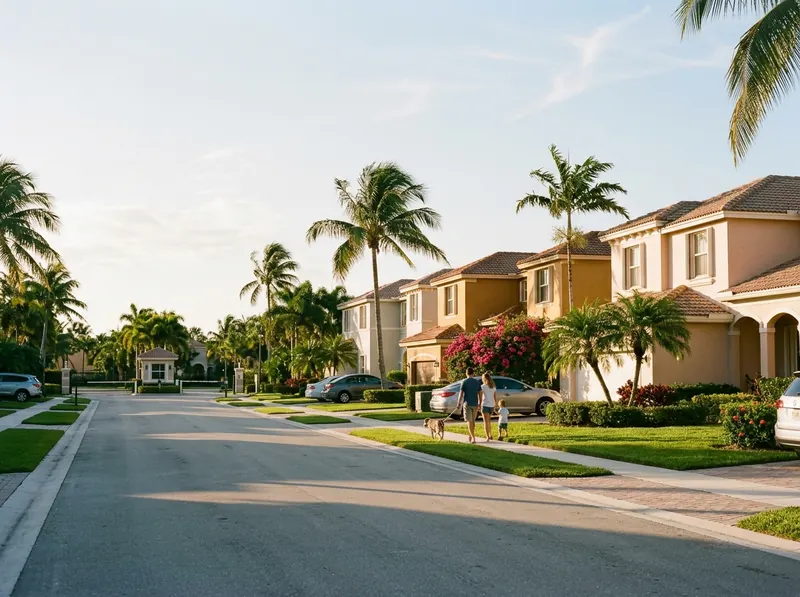
Gated communities, HOAs, condos and apartment buildings

Residents invite guests by WhatsApp, guards check them in one scan, and the board sees every entry.

  • Guest passes by WhatsApp or email
  • Residents' stickers, cards and plates
  • Event guest lists and approved vendors
  • A package log that alerts the resident
  • A ban list, and a gate that works offline
See it for communities
Commercial

Office and commercial buildings

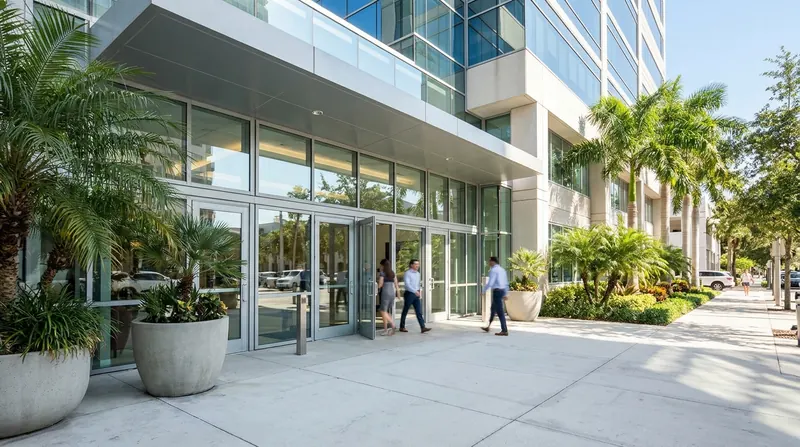
Visitors sign in at reception or on their own phone, hosts let them in from theirs, and you always know who is in the building.

  • Visitor sign-in on a tablet or a poster QR
  • Host alerts, agreements and visitor photos
  • Printed badges and an evacuation list
  • Employee badges, group visits and packages
  • Shared buildings: an admin for each company
See it for offices

Only what you use

Switch each feature on or off

Not every property needs everything: a condo without a package room, an office without contractors. The administrator switches a feature off in Settings and its tab disappears for everyone. Switch it back on any time; nothing is deleted.

  • Visitor passes
  • Resident codes and badges
  • Guest lists
  • Package log
  • Approved vendors
  • Vehicle plates
  • Ban list
  • Evacuation list (offices)

In every plan

What every property gets

Visitor passes

Single or multiple entries, valid from and until the times you choose.

Check the face

Residents, family and regulars carry an approved photo; the guard taps it to see it full size.

A code that changes every 30 seconds

Each resident's own QR: a screenshot or a second person is refused. Works with no internet.

Printed Vizipas cards

For children, staff and anyone without a phone: an ID-size card with photo and QR, printed by you or by us.

Works offline

No internet at the gate? Codes are still checked from a saved copy, and every entry is sent when it's back.

Ban list

Block a person or a plate. The gate refuses them, even with a valid pass.

Scan to log

Any USB barcode scanner or the camera fills the tracking number and guesses the carrier.

Shifts included

Start and end with a live selfie and the location at those moments only; anything odd is flagged.

Mia, your assistant

Ask on any page in English, Spanish or French; she shows you where to tap and passes problems to our team.

Security and privacy

Built like a security product, because it is one

  • Each community's data is kept separate from every other community's.
  • Everyone has their own account and password. Passwords and sign-in links are stored only in scrambled (hashed) form, and invites work once.
  • Encrypted connection (HTTPS) everywhere; our own administrators sign in with two-factor authentication.
  • Nightly backups, and every gate action logged with who did it.

Pricing

Simple prices for every kind of property

Every feature included. Communities pay one flat price by size; offices pay per location.

Loading plans…

30 days free, no card needed. Pay monthly, or yearly with one month free. Cancel anytime.

About us

Built by the team behind PureOps

Vizipas is a product of MCSP Consulting LLC, a Florida company founded in 2020, and part of the PureOps family of operations software.

We designed it around how gates and front desks actually run: WhatsApp first, a phone or tablet instead of new hardware, several languages, and the stickers, cards and badges people already carry.

We are looking for our first pilot communities and offices. Tell us about your gate or front desk and we will set it up with you.

Call or WhatsApp +1 (786) 839-0584

Questions

Frequently asked questions

What is Vizipas?

Software that checks visitors in at a gate or a front desk: passes by WhatsApp or email, a one-scan check, and a record of every entry. It runs in the phone's browser, with no app store download and no new hardware.

Which kinds of property is it for?

Gated communities and HOAs, condos and apartment buildings, and offices and commercial buildings, including buildings shared by several companies. Each gets the wording and settings that fit how it works.

Can we use only some of the features?

Yes. An administrator switches features on or off in Settings. What is off disappears from everyone's screens, and nothing is deleted when you switch it off.

Does anyone need to download an app?

No. Staff, residents and employees open their invite in the phone's browser, choose a password and can add Vizipas to the home screen. Visitors install nothing.

What equipment do we need?

A smartphone or tablet with a camera and internet at the gate or at reception. A barcode scanner and a badge printer are optional. Your gate and doors stay as they are; if you want them to open from the app, an installer adds a small relay.

How much does it cost?

A single house pays $9 a month (Vizipas Home). Communities pay one flat price by size, from $19 a month for up to 25 homes to $89 for up to 1,000. Offices pay from $19 a month, by visits a month. Video calls are an optional add-on, paid monthly or yearly on their own. Pay yearly and get one month free. Every feature is included.

How long does it take to get started?

You can start the same day: sign up, add your people or import them from Excel, and send each one an invite by WhatsApp or email.

Which languages are available?

English, Spanish and French, for the screens and for the messages sent to visitors. Each person picks their own.

How do we pay, and can we cancel?

The first 30 days are free and need no card. After that you pay by card, monthly or yearly, with no contract, and can cancel at any time from the billing page.

More answers for Communities · Offices

Ready when you are.

Try Vizipas free for 30 days. No card, no hardware, no contract.