Vizipas

For gated communities, HOAs, condos and apartment buildings

Your gate, at your fingertips.

Residents send visitor passes by WhatsApp. Guards scan them in a second. Your board sees every entry. No app to install, no new gate hardware.

Free for 30 days · No card needed · English, Español, Français

How it works

From invitation to open gate in three steps

  1. 1

    The resident sends a pass

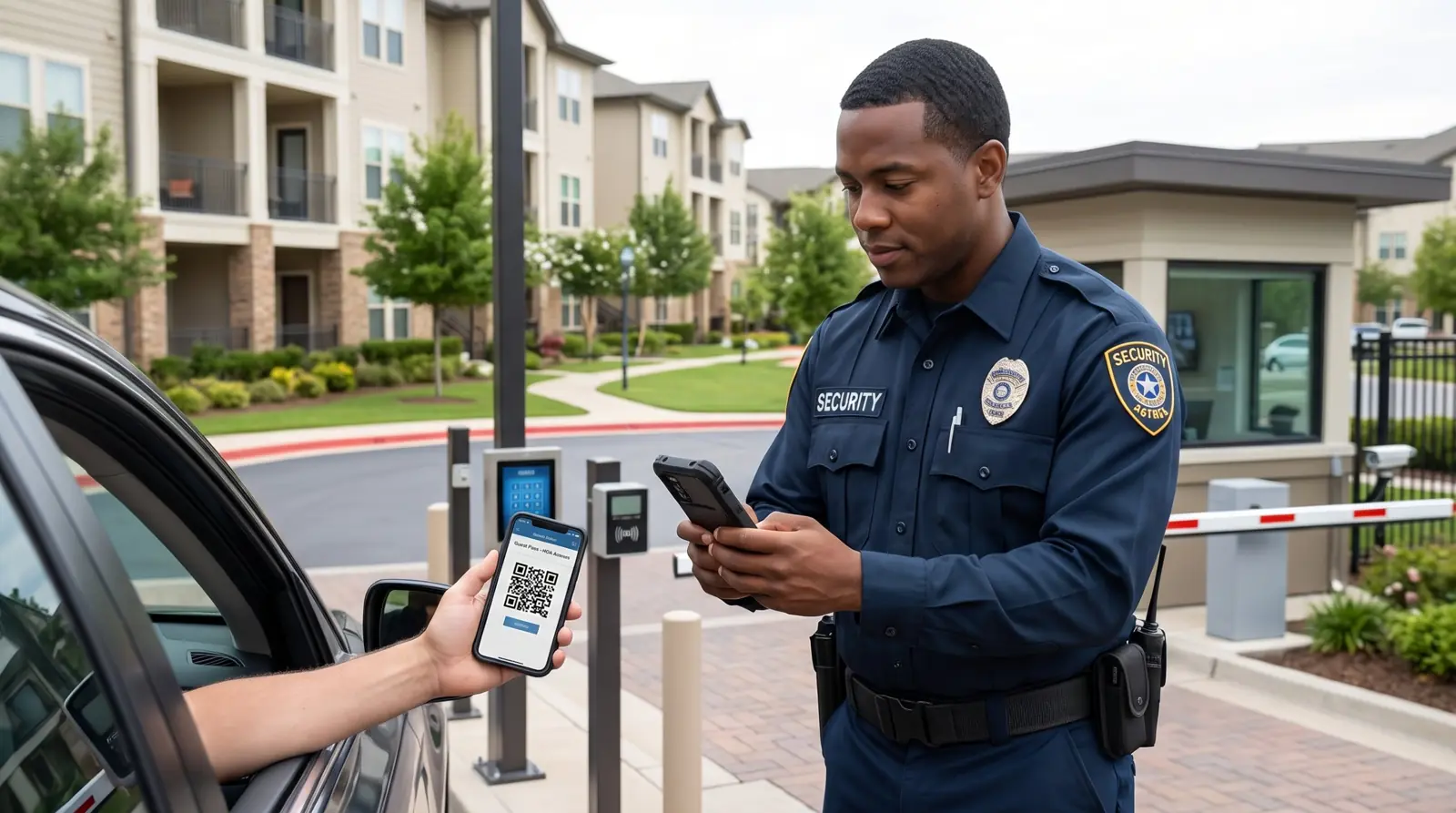
    Name, day and time. The pass goes out by WhatsApp or email in seconds, with its own QR code.

  2. 2

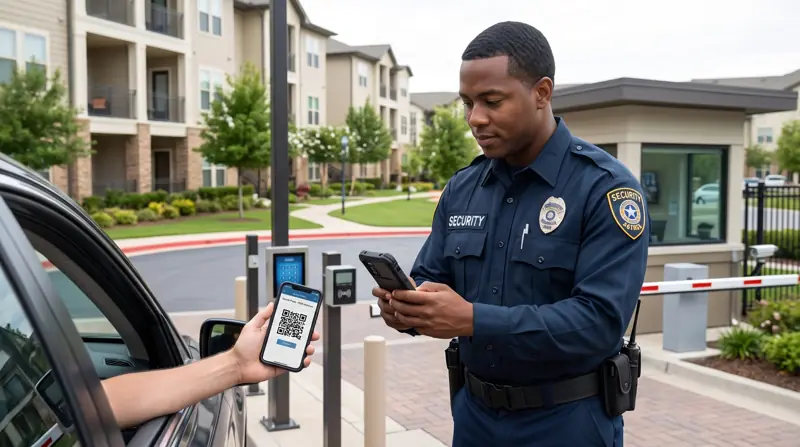
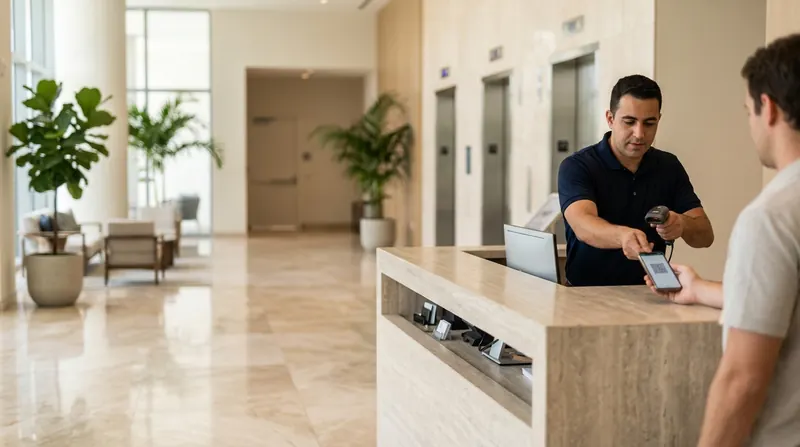
    The guard scans it

    With the phone camera or a barcode scanner. Green means go; red says exactly why not: expired, already used, revoked or not yet valid.

  3. 3

    Everything is on record

    Who came in, who let them in, when they left. The board sees it all, and can export it to a spreadsheet.

Who it's for

One system, three people who finally agree

For residents

Invite guests without calling the gate

  • A pass in seconds, sent by WhatsApp or email
  • Set the time window and how many entries it allows
  • Cancel a pass at any time
  • See your own visitors' history
  • Your current sticker, card or barcode keeps working
For guards

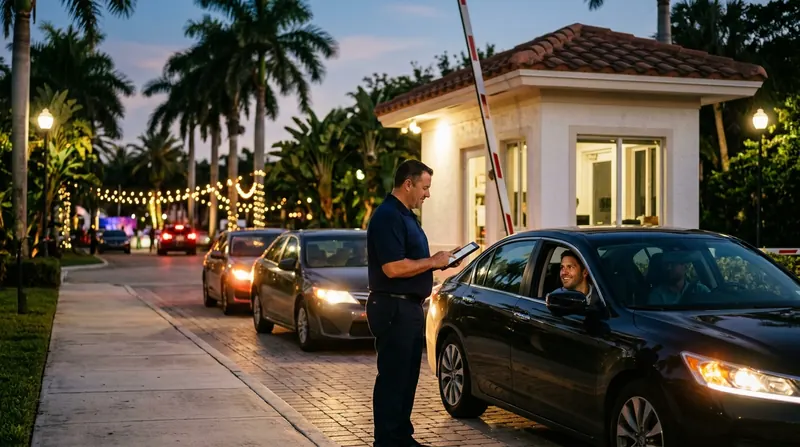
A clear yes or no, in one scan

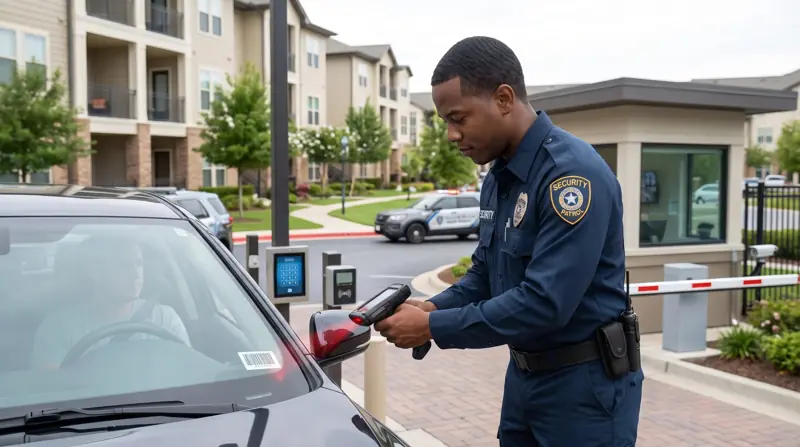
  • Scan QR codes and barcodes with the phone camera
  • Or plug in a USB or Bluetooth scanner
  • Look up a plate to find the resident
  • Log walk-in visitors with name, ID and plate
  • See who is inside right now and mark exits
  • Keeps working when the internet drops, and catches up when it's back
For HOA boards

Know who came in, and who let them in

  • Every entry, exit and refusal, with the guard on duty
  • Every guard signs in with their own account: no shared passwords
  • Residents, homes, vehicles and codes in one place
  • Daily summary and spreadsheet (CSV) export
  • Turn off a resident's or guard's access instantly
  • Import all your residents from an Excel or CSV file
  • A ban list the gate checks on every entry
  • Switch off the features your community doesn't use

Beyond the front gate

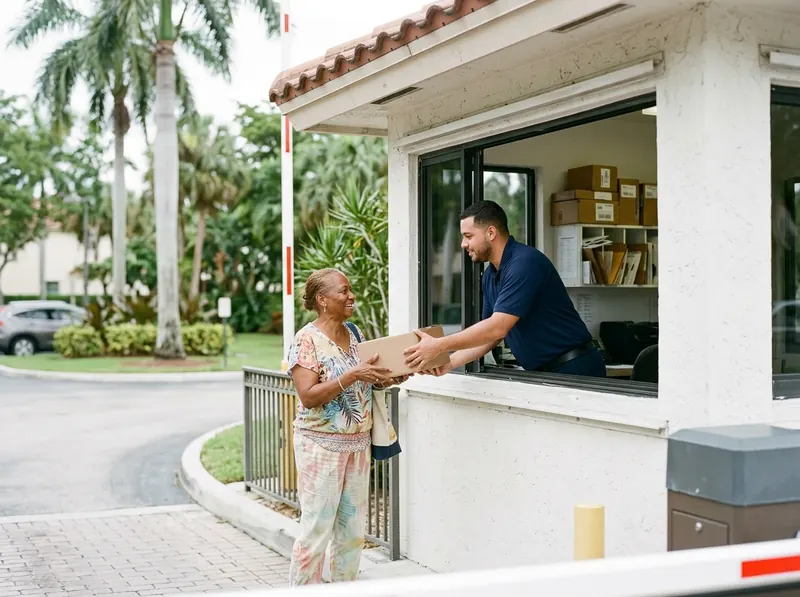
Guest lists, packages and vendors, handled at the gate

Event guest lists

A list of names for a party or meeting; the guard checks each one off at the gate.

Package log

Scan the label in and out; the resident gets an alert and sees a photo.

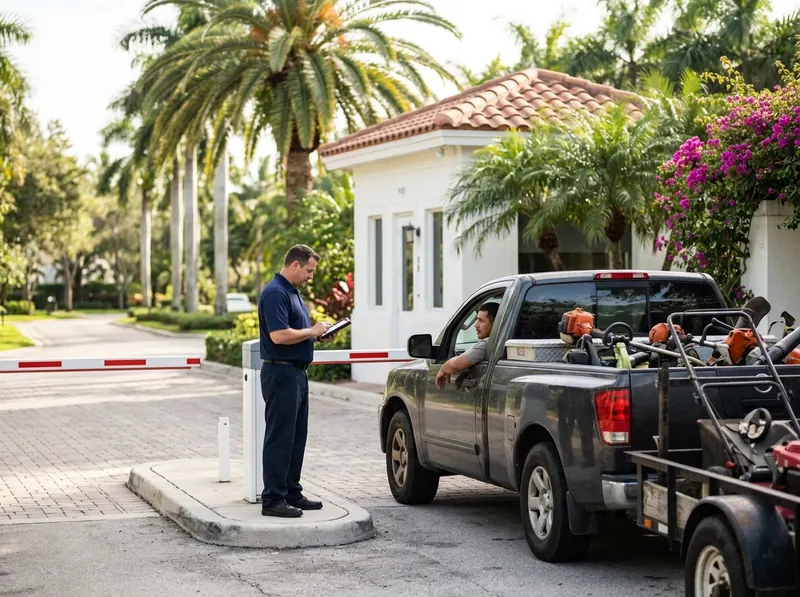
Approved vendors

Gardeners and pool companies come in on their days, while their insurance is valid.

Everything at your fingertips

Built for the way your gate really works

A faster, safer gate

Every entry checked in seconds, with or without internet.

Visitor passes

Single or multiple entries, valid from and until the times you choose.

WhatsApp and email

Visitors get a link with the QR code. Nothing to download.

Check the face

Residents, family and regulars carry an approved photo; the guard taps it to see it full size.

A code that changes every 30 seconds

Each resident's own QR: a screenshot or a second person is refused. Works with no internet.

Your existing codes

Register residents' barcodes, QR codes, cards and car stickers.

Printed Vizipas cards

For children, staff and anyone without a phone: an ID-size card with photo and QR, printed by you or by us.

Works offline

No internet at the gate? Codes are still checked from a saved copy, and every entry is sent when it's back.

Opens the gate

Optional relay: the guard opens it from the phone, or it opens when a pass is accepted.

Video call the resident

Optional: the guard calls from the gate, the resident sees the visitor and lets them in. Nothing is recorded.

Easy for residents

Family and regulars come in without a call to the gate.

Family and regulars

Permanent passes for a nanny, a driver or a relative, with their photo, a plate and the days they come.

Everyone at home

Residents add the people who live with them; each gets their own account or a card.

Arrival alerts

A phone alert, and an email if they like, when their visitor is let in.

My packages

What's waiting at the gate, with a photo, and who picked it up.

The office stays in control

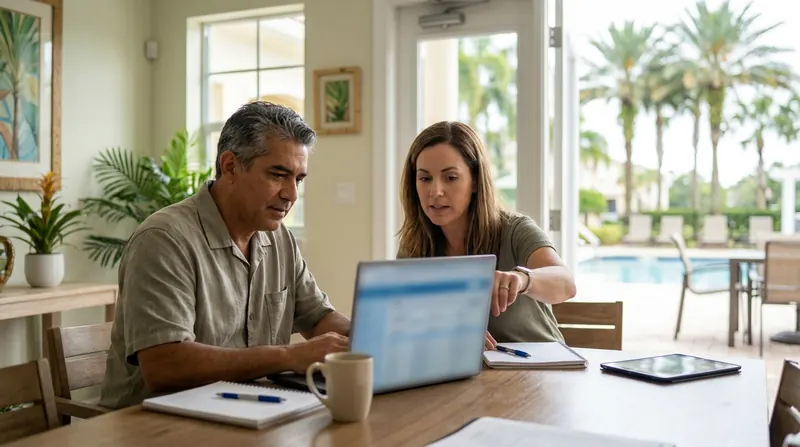
Approve, import and report, from a phone or a computer.

Approvals when you want them

Photos, permanent passes and new household members can wait for a manager first.

Import from Excel

Bring in all your residents, codes and plates at once, with a check before anything is added.

Reports and export

Daily totals and the full log as a spreadsheet.

Ban list

Block a person or a plate. The gate refuses them, even with a valid pass.

Plates and vehicles

Each resident's vehicles on file, searchable at the gate.

Who's inside

A live list of visitors inside, and their exit times.

Several managers

Each board member or manager signs in with their own account.

Clear refusals

Expired, used, revoked, not yet valid, disabled code: the guard sees the reason.

Packages without the paperwork

Scan it in, scan it out: the resident always knows.

Scan to log

Any USB barcode scanner or the camera fills the tracking number and guesses the carrier.

Scan to hand over

Scan the box again, or the resident's own code, to hand over everything waiting for their home.

Photo proof

Taken with the app's camera and stamped with the date, time and who logged it.

AI label reading

Optional: one photo of the label fills who it's for, the tracking number and the carrier.

Your guards, accounted for

Shifts and every entry, in each guard's name.

Shifts included

Start and end with a live selfie and the location at those moments only; anything odd is flagged.

Every guard, their own sign-in

No shared passwords: every entry and refusal is logged in their name.

Through your security company

Your guard company can run Vizipas for you, with its name and logo next to ours.

Help is built in

Answers on every page, in your language, and people behind them.

Mia, your assistant

Ask on any page in English, Spanish or French; she shows you where to tap and passes problems to our team.

Picture guides

Every screen explained step by step, in three languages.

Three languages

English, Spanish and French, for staff and for messages. Phone numbers from anywhere in the Americas.

Installed and tested

A vetted installer sets up your readers and gate, tests them on site and sends you a signed-off report.

What you need to start

You probably have everything you need already

At the gate

A smartphone or tablet with a camera and an internet connection (Wi-Fi or mobile data). If the internet drops, the gate keeps checking codes.

Optional

A low-cost USB or Bluetooth barcode scanner for stickers and cards, if you want hands-free speed.

Residents

Any phone with WhatsApp or email. One invite to set a password, then the app on the home screen.

Visitors

Nothing. They show the pass they received on their phone.

Your gate and barrier stay as they are. Want the guard's phone to open them? An installer adds a small relay.

Getting started

Live at your gate the same day

  1. Start the free trial: your community is ready in a minute.
  2. Add your residents and guards, and send each one an invite by WhatsApp.
  3. Register the stickers, cards and plates you already use.
  4. Hand the guard a phone. That's it.
Start your free trial

Security and privacy

Built like a security product, because it is one

  • Each community's data is kept separate from every other community's.
  • Everyone has their own account and password. Passwords and sign-in links are stored only in scrambled (hashed) form, and invites work once.
  • Encrypted connection (HTTPS) everywhere; our own administrators sign in with two-factor authentication.
  • Nightly backups, and every gate action logged with who did it.

Pricing

From $9 a month. One flat price by size.

Every feature included. You pay one flat price for your community's size, not by guard or by visitor.

Loading plans…

30 days free, no card needed. Pay monthly, or yearly with one month free. Cancel anytime.

Running an office or commercial building? See the office plan.

Questions

Frequently asked questions

How does it work?

A resident creates a visitor pass in seconds and sends it by WhatsApp or email. The visitor shows it at the gate, the guard scans it, and the screen turns green or red. Every entry is logged, and the resident can get an alert when their visitor arrives.

Does anyone need to download an app?

No app store download for anyone. Residents and guards open their invite in the phone's browser, choose a password, and can put Vizipas on the home screen in three taps (on iPhone, that is also what turns on arrival alerts). Visitors install nothing: they only show the pass they received.

What equipment does the gate need?

A smartphone or tablet with a camera and internet. A USB or Bluetooth barcode scanner is optional. Your gate or barrier stays as it is; if you want it to open from the guard's phone, or by itself when a pass is accepted, an installer adds a small relay.

Does it work with the stickers and cards we already use?

Yes. You register each resident's existing barcode, QR code, card or sticker once; guards then scan it like a pass. Turn a code off and it is refused at the gate.

What if a visitor arrives without a pass?

The guard registers them on the spot: who they are visiting, their name, and their ID and plate if your community asks for them. The visit goes into the same log as everyone else, and the resident gets an arrival alert if they turned alerts on.

Can a resident give a pass to a nanny or gardener who comes every week?

Yes. A repeating pass works only on the days and hours the resident picks (for example Monday to Friday, 7 am to 5 pm), for up to a year, with no limit on entries. Outside those days and hours the gate refuses it.

Will residents know when their visitor arrives?

Yes, once they turn alerts on: a notification on their phone, an email, or both, each time the guard lets one of their visitors in.

Can a pass be shared or used again?

Each pass has an end date and a limit on entries (or set days and hours), and the guard's screen turns red once it is used up, expired or cancelled. The resident can cancel a pass at any time, and every scan is logged with the time and the guard.

What happens when a guard leaves?

Each guard has their own account. Turn it off and they are signed out immediately; the log still shows every entry they handled.

How much does it cost?

Vizipas Home, for one house with a guard or a gate: $9 a month. Communities from $19 a month for up to 25 homes: $29 up to 50, $49 up to 100, $69 up to 200, $79 up to 400, $85 up to 750 and $89 up to 1,000 homes; above that we quote. Offices pay from $19 a month, by visits a month. Video calls are an optional add-on, paid monthly or yearly on their own. Pay yearly and get one month free. Every feature is included: no setup fee, and nothing extra per guard, per resident or per visitor.

How long does it take to get started?

You can start the same day: sign up, add your guards and residents, and send each one an invite by WhatsApp or email. There is nothing to install at the gate.

How do we pay, and can we cancel?

The first 30 days are free and need no card. After that you pay monthly by card, with no contract, and can change plans or cancel at any time from the billing page. Prefer an invoice? Ask us.

What happens when the free trial ends?

If no plan is chosen, gate access pauses until one is. Your residents, codes and log are kept.

Which languages are available?

English, Spanish and French, for the screens and for the messages sent to visitors. Each person picks their own.

What if the internet goes down at the gate?

The gate keeps working. The guard's phone keeps a copy of the valid passes, residents' codes and the ban list, refreshed every few minutes. With no internet it checks codes against that copy and keeps a list of every entry, which is sent as soon as the connection is back. Each entry keeps its real time and is marked as made offline, and the log flags any the system would have refused.

Can we stop a specific person from coming in?

Yes. The office adds them to the ban list by name, ID number or plate, with a reason. The gate then refuses them even if a resident sends them a pass, the guard sees why, and residents can't make them a new pass.

Can we bring in our current list of residents?

Yes. Upload an Excel or CSV file with one row per home: name and unit, plus WhatsApp, email, sticker code and plate if you have them. You see a preview with any problems before anything is added, then each resident gets an invite by email or WhatsApp.

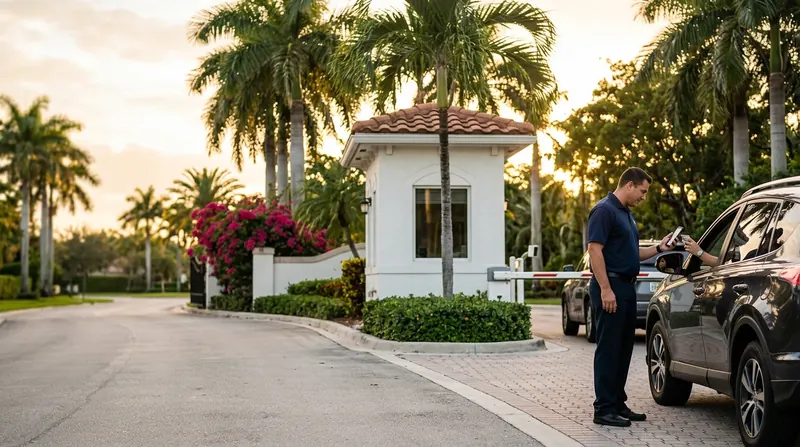
Ready when your gate is.

Try Vizipas free for 30 days. No card, no hardware, no contract.